How to Connect Tidycal as Data Source

The integration allows you to automatically export data from Tidycal and send it to other systems. You can transfer new contacts, new, updated, or canceled bookings, as well as confirmed bookings to your CRM, Google Sheets, notification services, or SMS and email marketing tools. This enables full automation of contact and booking management and ensures seamless interaction between Tidycal and your other services and systems.
Let's go through the entire Tidycal setup steps together!
Navigation:
1. What data can be get from Tidycal?
2. How to connect your Tidycal account to ApiX-Drive?
3. An example of data for a new contact.
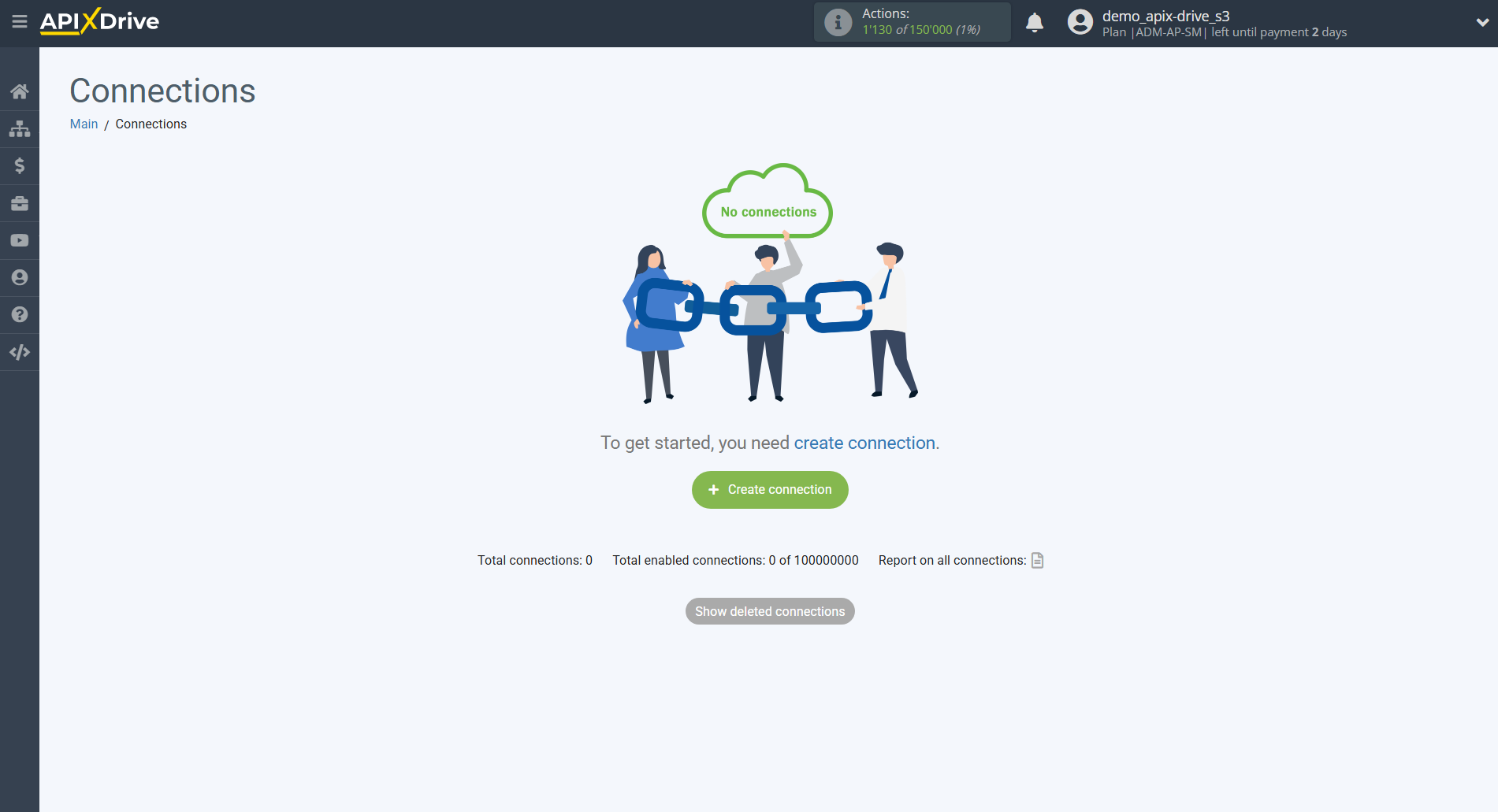
To start setup a new connection, click "Create Connection".
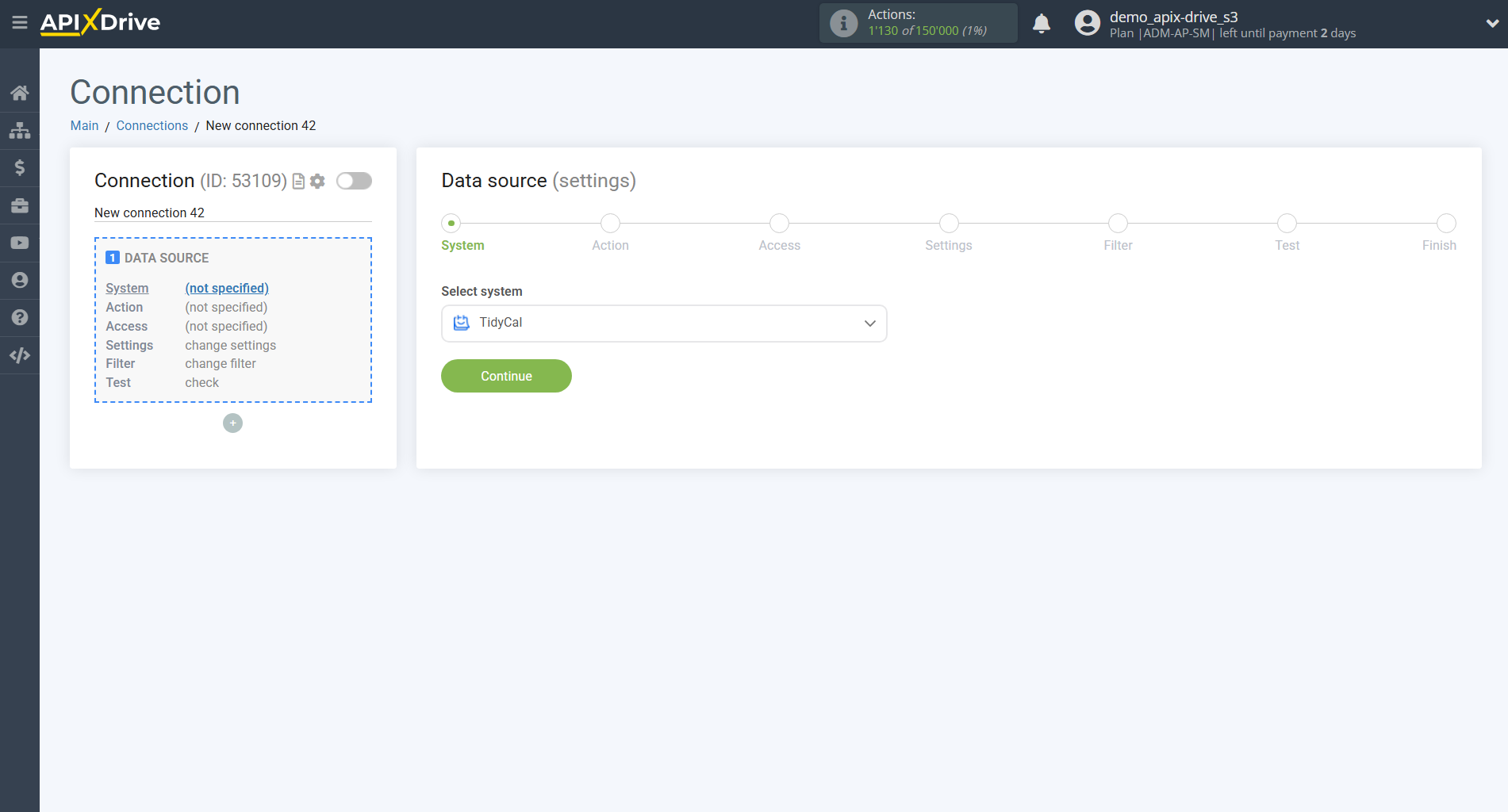
Select a system as the Data Source. In this case, you must specify Tidycal.
Next, you need to specify an action, for example, "Get CONTACTS (new)".
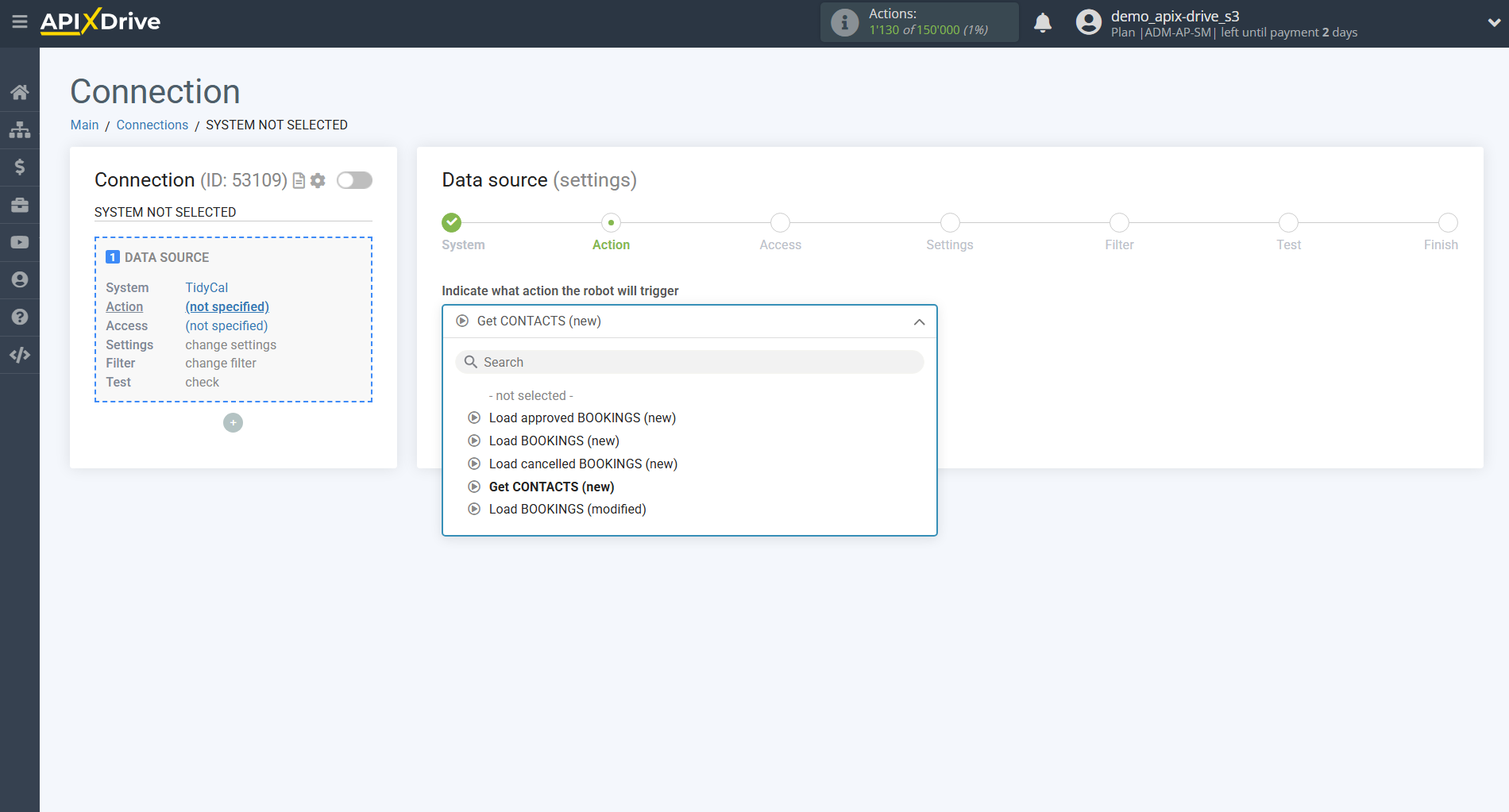
- Get CONTACTS (new) – Apix-Drive will receive from Tidycal only the contacts that are created after setting up the connection and starting auto-update. The system will automatically load every new contact that appears in Tidycal and transfer it to the selected destination.
-Load approved BOOKINGS (new) – an action that allows you to receive from TidyCal only new reservations with the status "approved", created after the moment of setting up the connection and starting the auto-update.
-Load BOOKINGS (new) –an action that allows you to receive from TidyCal all new reservations created after the moment of setting up the connection and starting the auto-update, regardless of their status.
-Load cancelled BOOKINGS (new) –an action that allows you to receive from TidyCal only new reservations with the status "cancelled", which appeared after the moment of setting up the connection and starting the auto-update.
-Load BOOKINGS (modified) –an action that allows you to receive from TidyCal reservations that have been modified after the moment of setting up the connection and starting the auto-update (for example, changing the date, time or status).
The next step is to select the Tidycal account from which will get the data.
If there are no accounts connected to the system, click "Connect account"
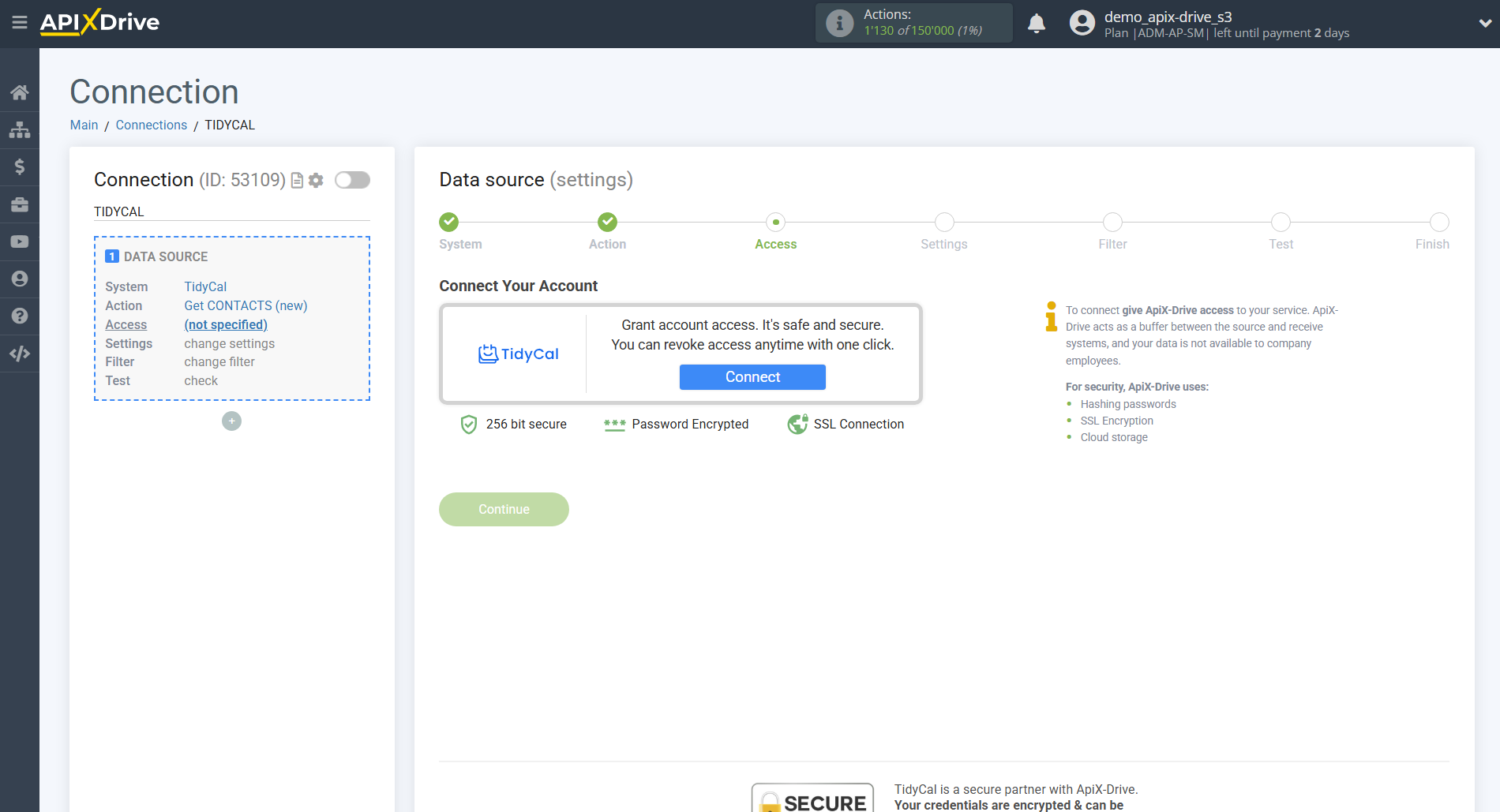
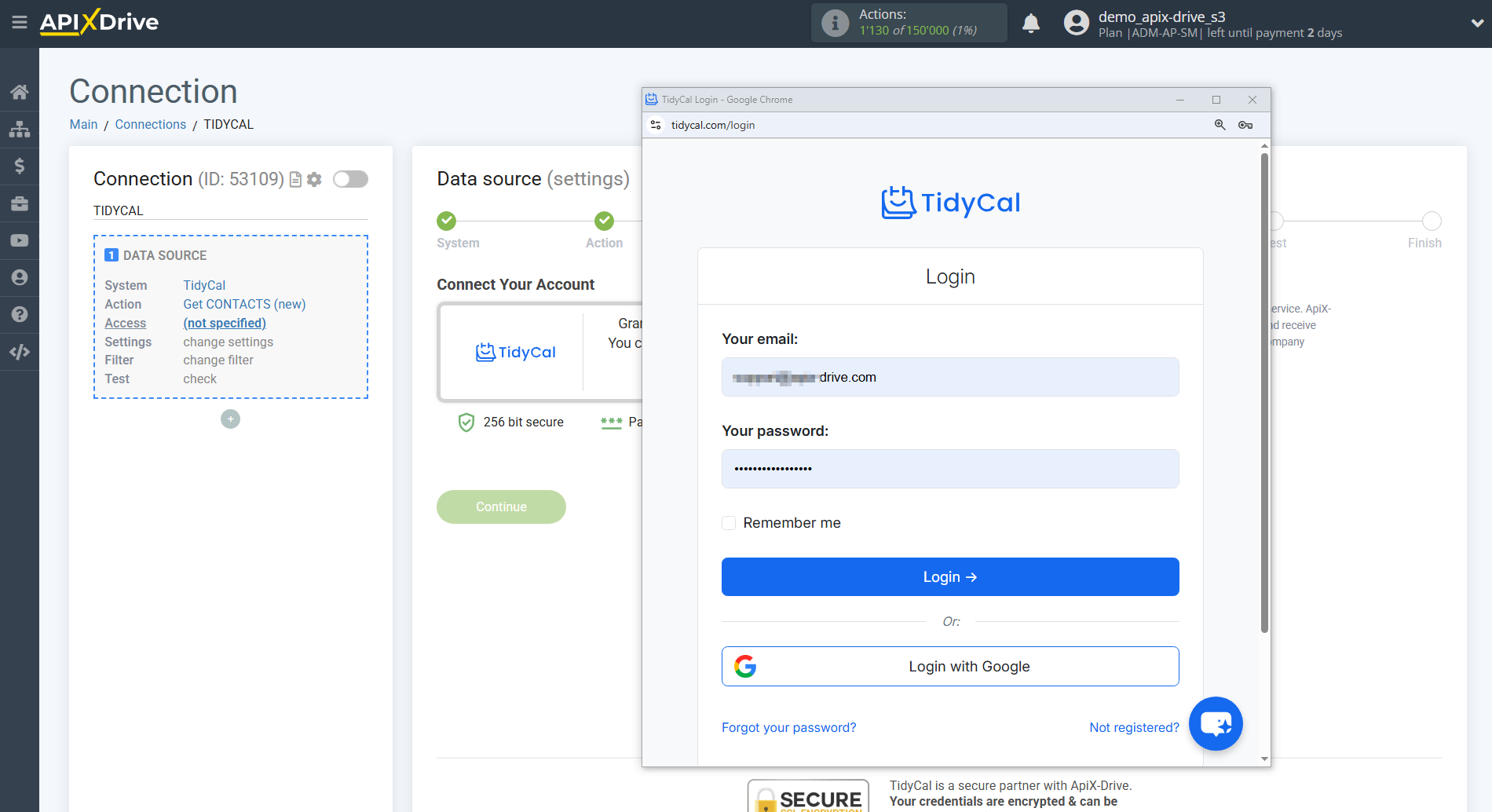
To connect, you must enter your TidyCal account username and password and confirm authorization.
Please note: connection is only possible for accounts with an active paid plan - free accounts do not have access to the API.
After filling in, click save and reload the page, if necessary.
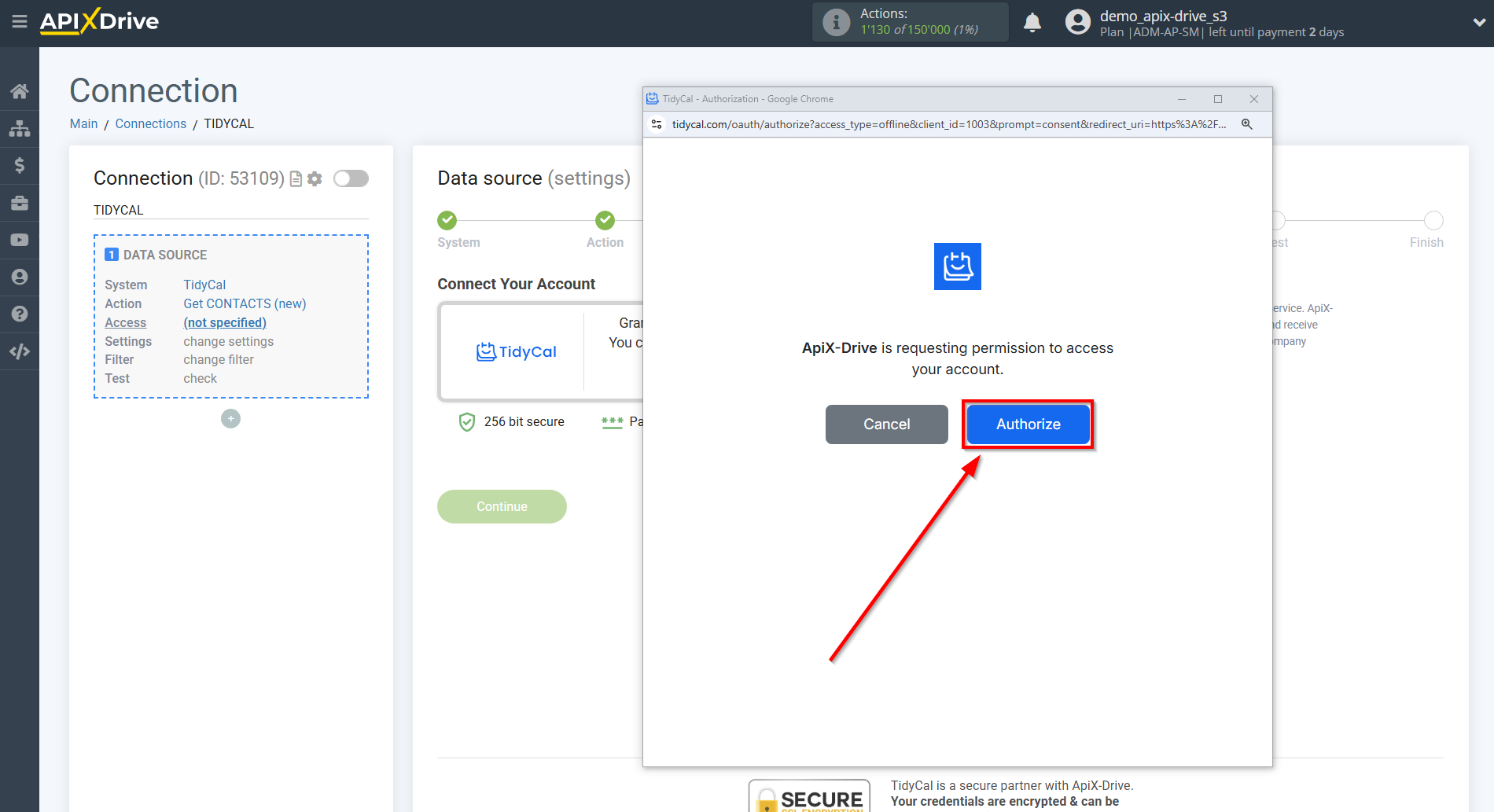
When the connected account is displayed in the "active accounts" list, select it.
Attention! If your account is in the "inactive accounts" list, check your access to this account!
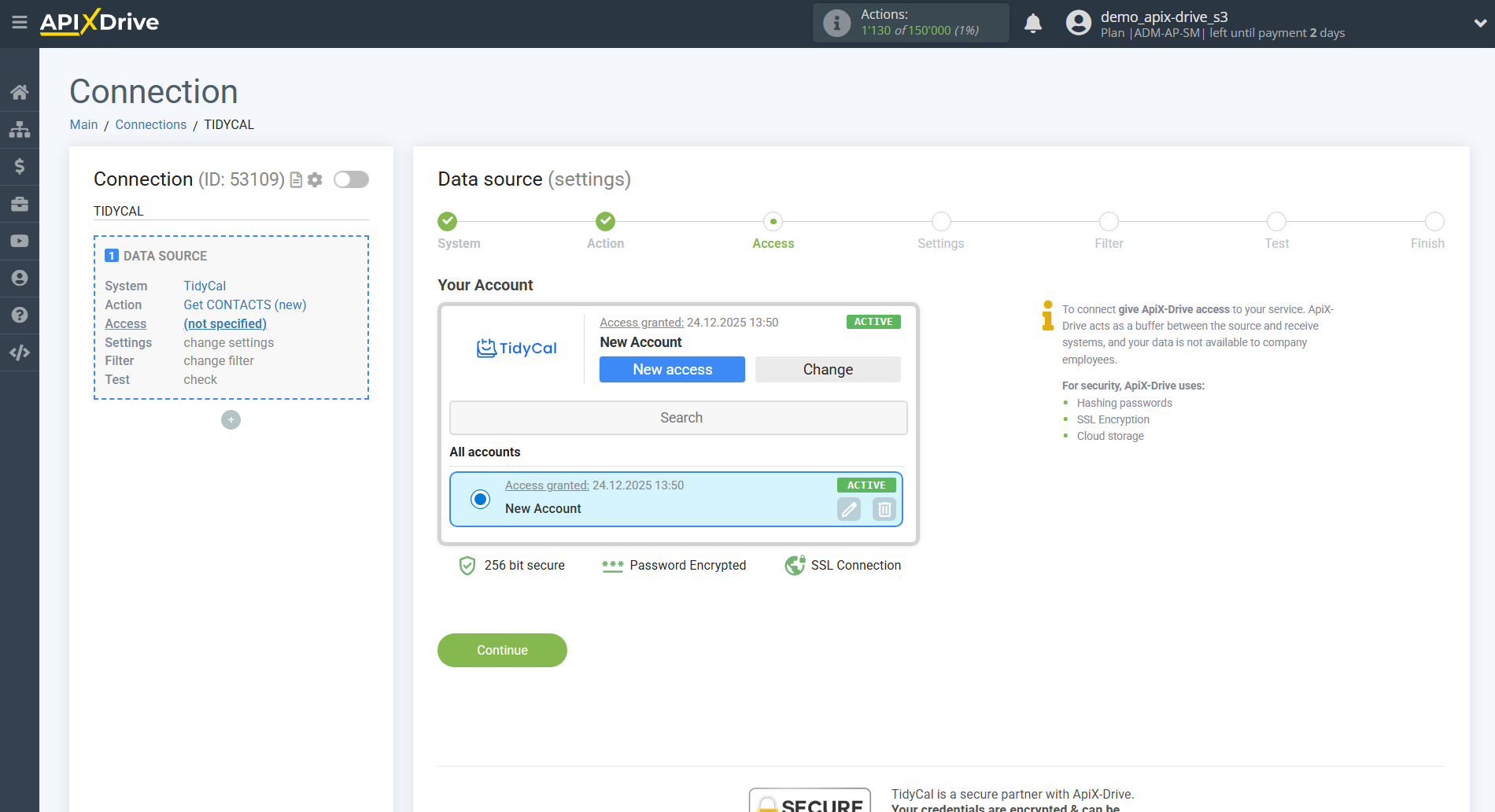
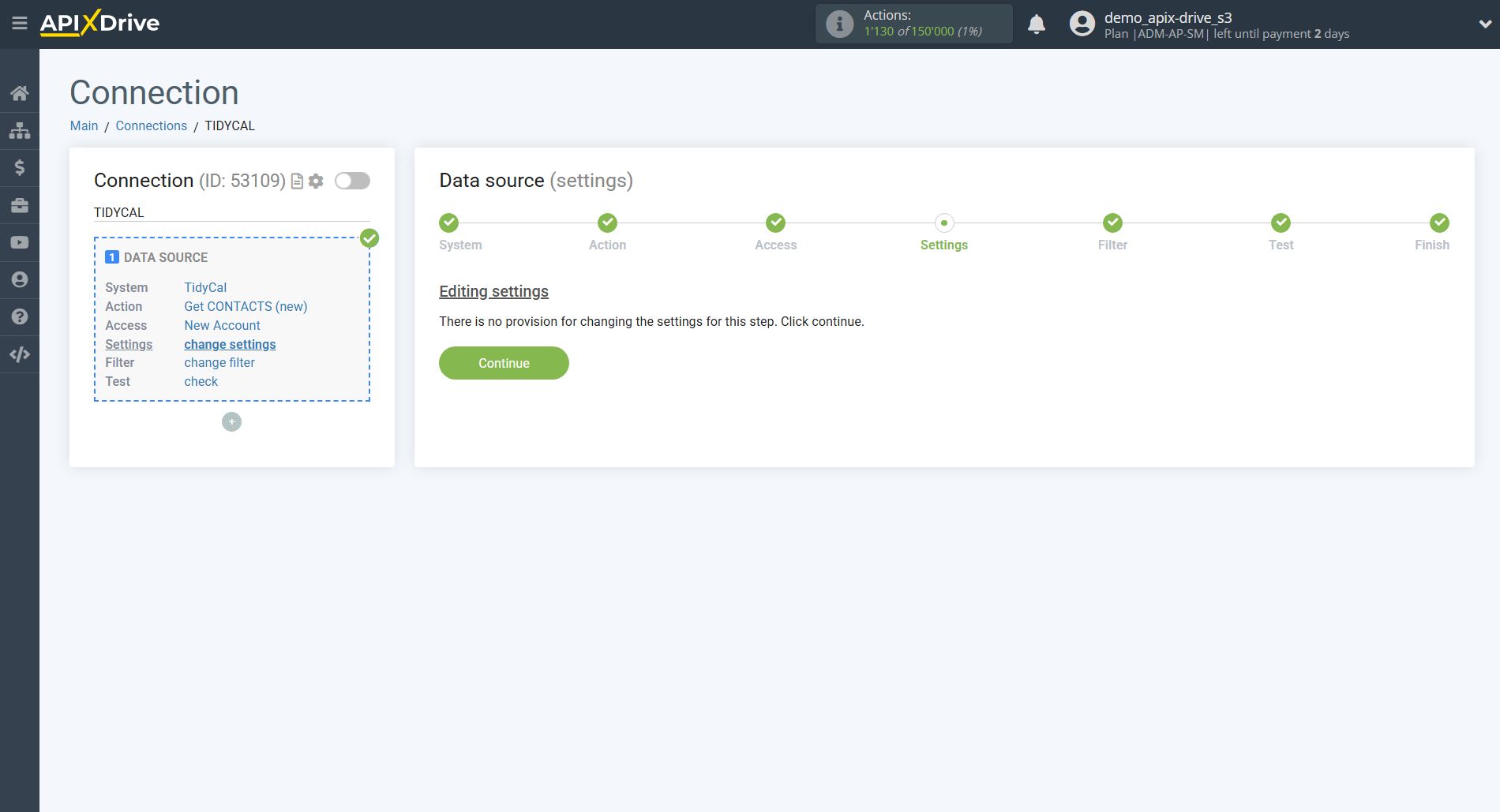
If there are no settings for the selected action, click Continue.
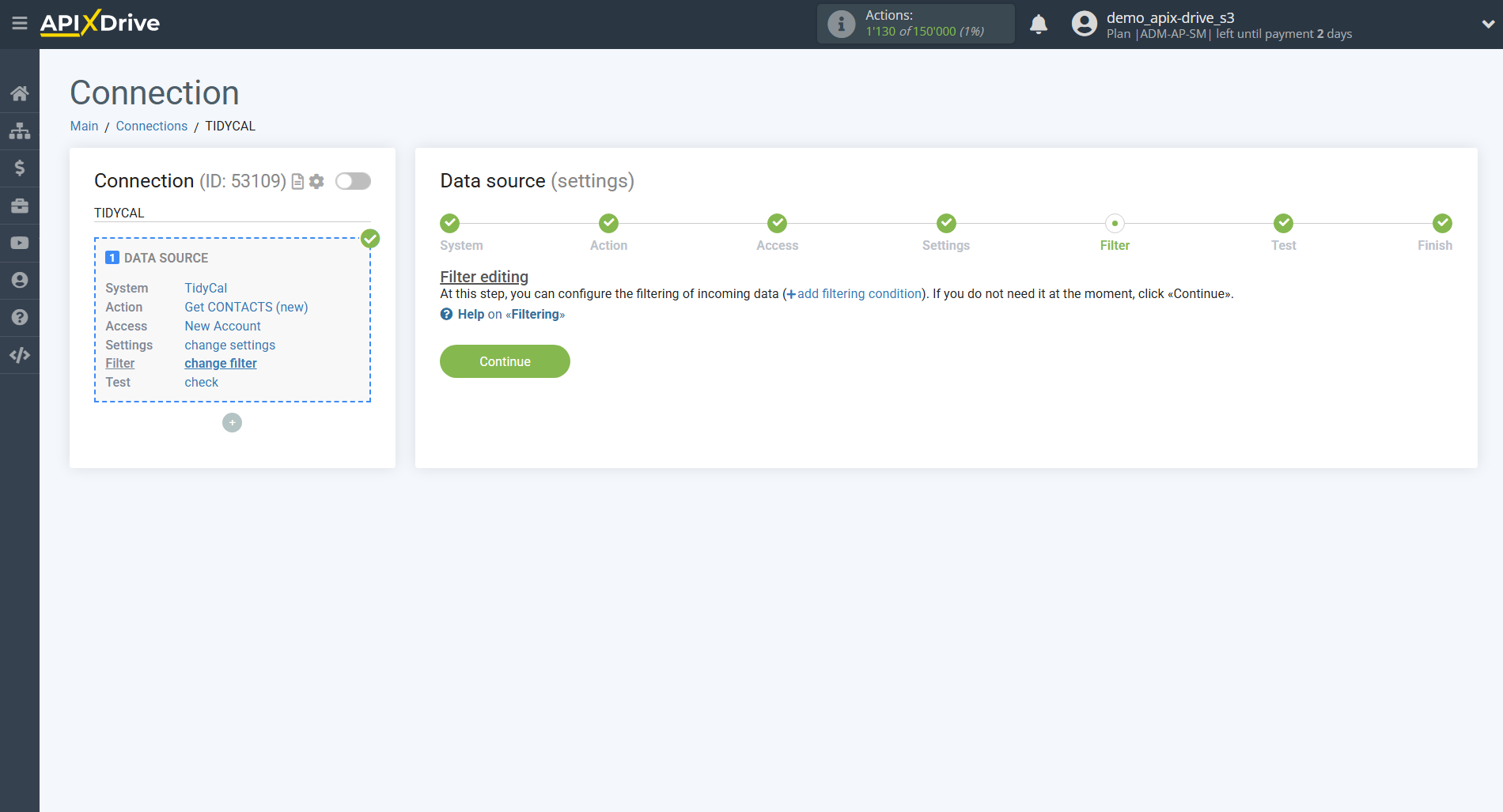
If necessary, you can set up a Data Filter, or click "Continue" to skip this step.
To find out how to setup the Data Filter, follow the link: https://apix-drive.com/en/help/data-filter
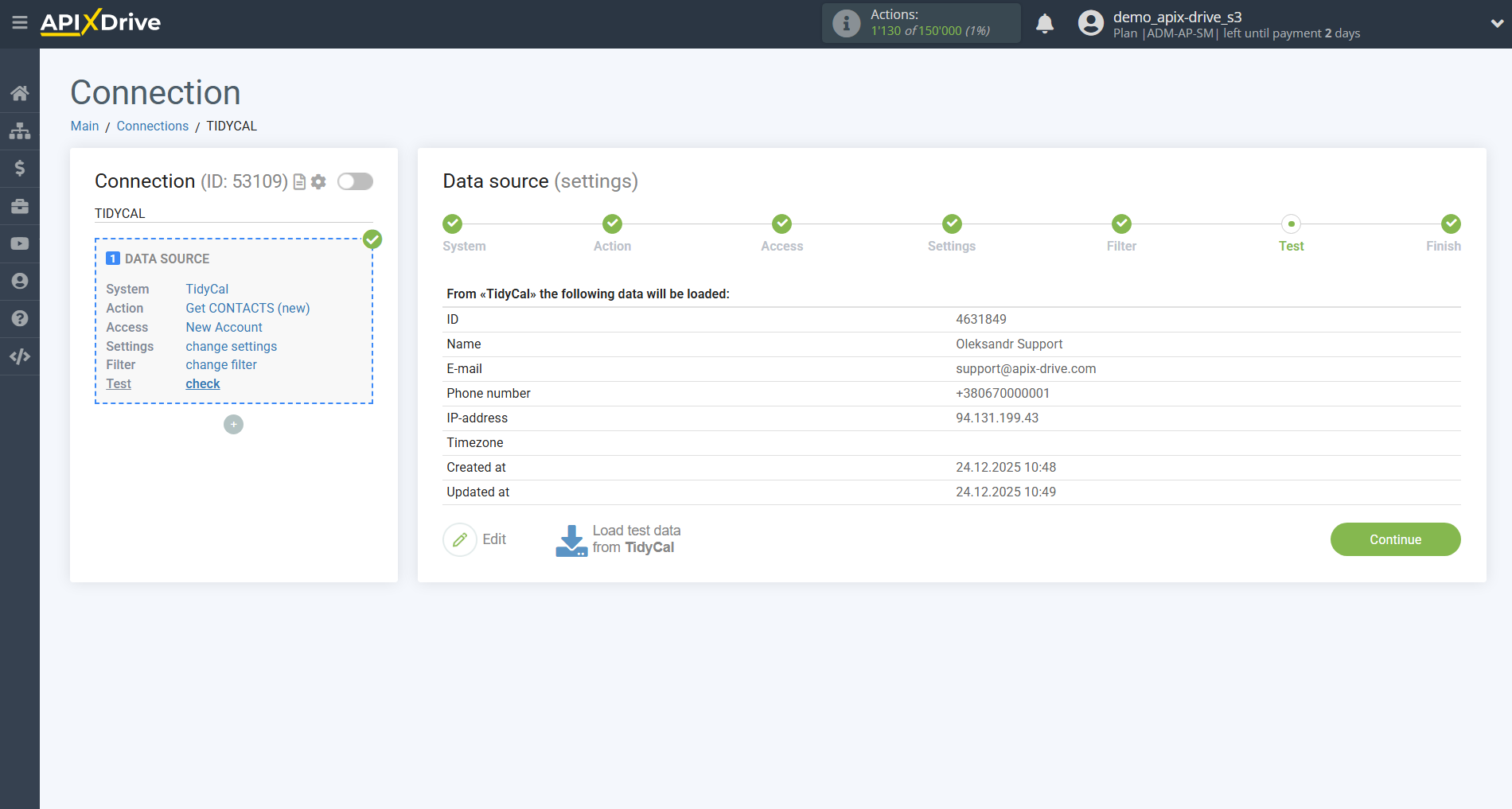
Now you can see the test data for one of the contacts in your Tidycal .
If you want to update the test data - click "Load test data from Tidycal ".
If you want to change the settings - click "Edit" and you will go back one step.
If everything suits you, click "Next".
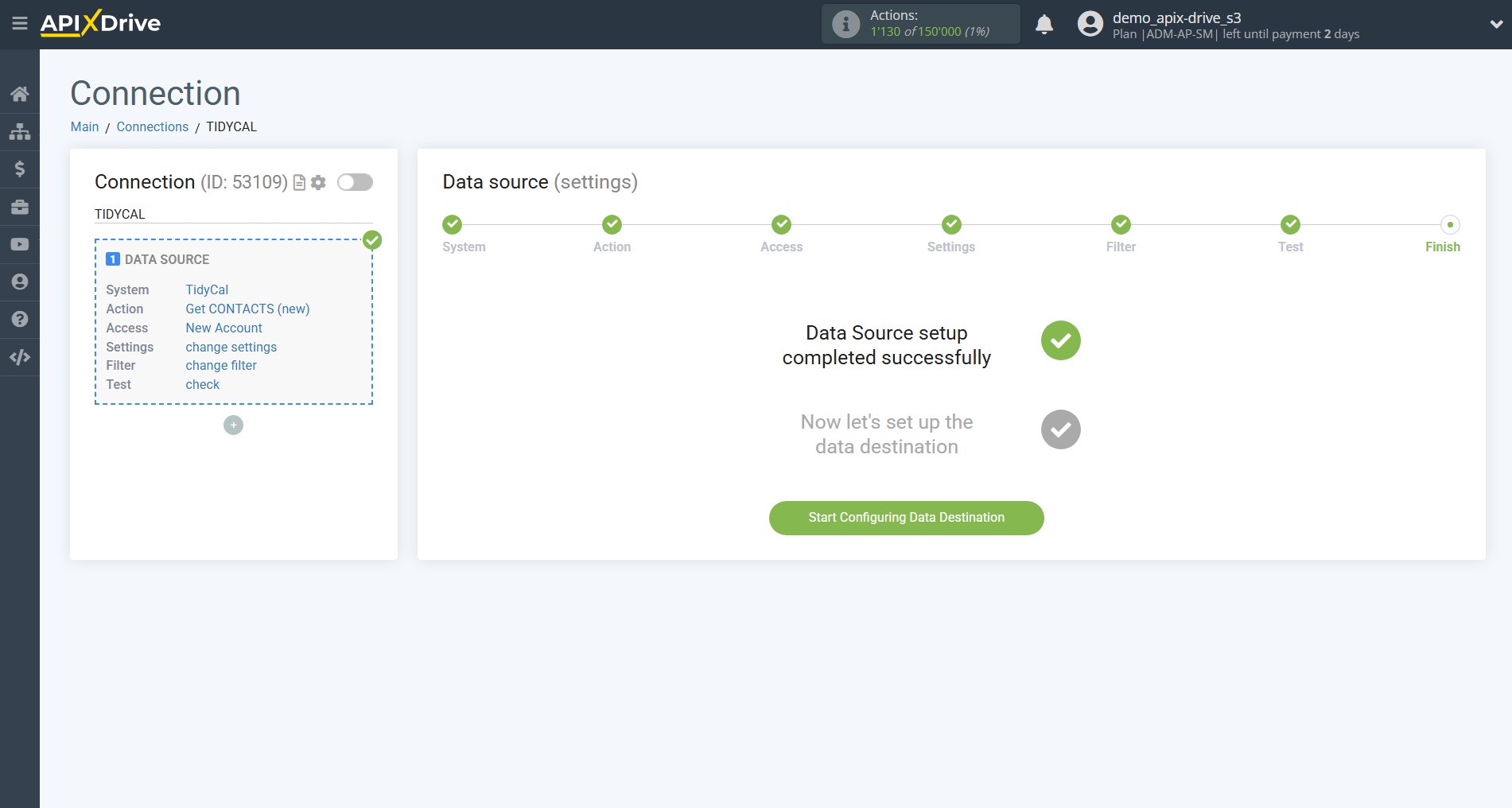
This completes the entire Data Source setup! See how easy it is!?
Now you can start setup the Data Destination system.
To do this, setup it yourself or go to the help section "Data Destination", select the service you need as Data Destination, and follow the setup recommendations.
Good luck!