- First, you need to register in ApiX-Drive
- Next, select the service in the web interface you need to integrate with Vapi (currently 336 available connectors)
- Choose what data to transfer from one system to another
- Turn on auto-update
- Now the data will be automatically transferred from one system to another.
Vapi API
We already have a connector api with service Vapi! You can connect to our system without wasting time on writing code.
5 minutes after registration, you can start using the available functions without involving programmers. Operation principles see below!

+336
available systems

How it works
Our developers have already figured out how the API for the system Vapi works and created a new connector. On the same principle, we have created connectors with other online services, we already have more than 200 of them!
Now you do not need to spend time writing program code yourself, you can link 2 or more services through our online interface in a few clicks!
This is how our system works with other systems.
Now you do not need to spend time writing program code yourself, you can link 2 or more services through our online interface in a few clicks!
This is how our system works with other systems.
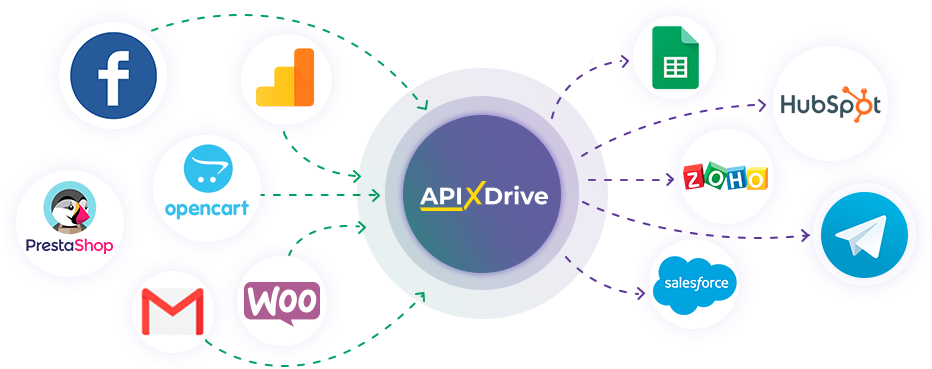
After registration, you will be able to "connect" more than 200 different online services. Without involving programmers and without programming skills! To get started, just register in 1 click!
Without restrictions
Get a 14-day
trial access
trial access
How to integrate Vapi and other systems
with ApiX Drive by API
Now you don't need to hire programmers or integrators to automate Vapi with other systems.
With ApiX-Drive you can connect and automate these systems in 5 minutes yourself.
With ApiX-Drive you can connect and automate these systems in 5 minutes yourself.
Select the online systems to be linked
Specify the actions between systems
Turn on auto-update
The setup will not take more than 5 minutes.
Automation capabilities Vapi
with other systems by API
Configure the rules once, according to which the systems will work.
Exchange data between Vapi and other systems according to the specified interval
Exchange data between Vapi and other systems according to the specified interval
Data source: Vapi, available actions:
- Get CALLS (new)
Data receiver: Vapi, available actions:
- Create CALL
- Create CHAT
F.A.Q. on integration with Vapi
How is the integration of Vapi carried out?
How long does the integration take?
Depending on the system you want to integrate, the setup time may vary from 5 to 30 minutes. On average, it takes 10-15 minutes.
How much does it cost to integrate Vapi with other systems?
You don't need to pay for the integration, as all the functionality is available at all plans. You pay only for the amount of data transferred from one of your systems to another through our service. If you have a small amount of data per month, you can use a free plan and switch to a paid one, if necessary. More information about plans .
How many integrations are available for Vapi?
At the moment, we have 336 integrations Vapi with other systems
API information for Vapi
Vapi is a platform for building voice AI agents that can take part in customer conversations and business processes. It supports inbound and outbound phone calls, web voice interactions and text chat. Assistants can be configured with instructions, models, voices and tools, allowing companies to adapt conversations for support, sales, lead qualification, appointment scheduling and other practical scenarios.
The API provides a programmatic way to connect the platform with websites, applications, CRM systems and internal services. Depending on the integration and available endpoints, developers can initiate communication, work with call data, create text conversations and retrieve information for further processing. This is useful when conversational activity needs to exchange data with other parts of a workflow without every step being handled manually.
Access to API resources uses authenticated requests with a private API key. The documentation describes endpoints, request parameters, response structures and platform objects. Since the API offers more capabilities than any single third party integration may expose, the exact operations available through a connector depend on what has been implemented. More details about the API and other technical considerations are available in the documentation: https://docs.vapi.ai/quickstart/introduction
The API can support workflows where new call information is passed to another system, an outbound conversation starts from external data, an existing call is found for further processing, or a chat is created as part of a larger process.
With ApiX-Drive, users can create integrations for Vapi without special skills or technical knowledge.
Are you the owner or developer of a service
that we don’t have?
that we don’t have?
Find out on what conditions we can implement the integration
with your service on this page
with your service on this page