- First, you need to register in ApiX-Drive
- Next, select the service in the web interface you need to integrate with Omnisend (currently 336 available connectors)
- Choose what data to transfer from one system to another
- Turn on auto-update
- Now the data will be automatically transferred from one system to another.
Omnisend API
We already have a connector api with service Omnisend! You can connect to our system without wasting time on writing code.
5 minutes after registration, you can start using the available functions without involving programmers. Operation principles see below!

+336
available systems

How it works
Our developers have already figured out how the API for the system Omnisend works and created a new connector. On the same principle, we have created connectors with other online services, we already have more than 200 of them!
Now you do not need to spend time writing program code yourself, you can link 2 or more services through our online interface in a few clicks!
This is how our system works with other systems.
Now you do not need to spend time writing program code yourself, you can link 2 or more services through our online interface in a few clicks!
This is how our system works with other systems.
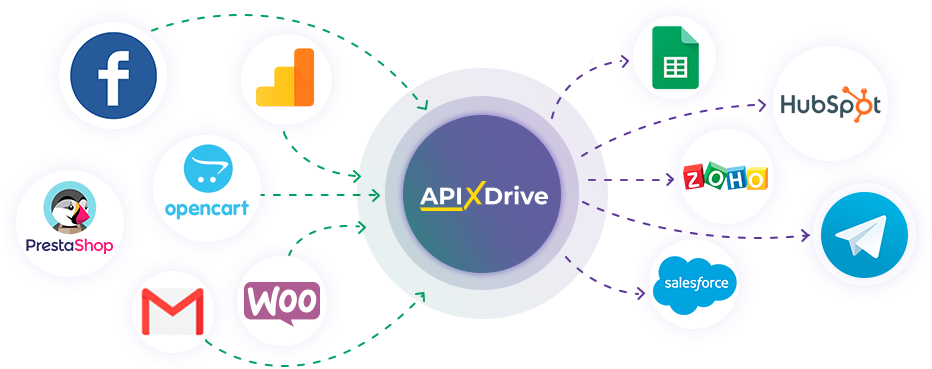
After registration, you will be able to "connect" more than 200 different online services. Without involving programmers and without programming skills! To get started, just register in 1 click!
Without restrictions
Get a 14-day
trial access
trial access
How to integrate Omnisend and other systems
with ApiX Drive by API
Now you don't need to hire programmers or integrators to automate Omnisend with other systems.
With ApiX-Drive you can connect and automate these systems in 5 minutes yourself.
With ApiX-Drive you can connect and automate these systems in 5 minutes yourself.
Select the online systems to be linked
Specify the actions between systems
Turn on auto-update
The setup will not take more than 5 minutes.
Automation capabilities Omnisend
with other systems by API
Configure the rules once, according to which the systems will work.
Exchange data between Omnisend and other systems according to the specified interval
Exchange data between Omnisend and other systems according to the specified interval
Data source: Omnisend, available actions:
- Get CONTACT (new)
Data receiver: Omnisend, available actions:
- Create/Update CONTACT
F.A.Q. on integration with Omnisend
How is the integration of Omnisend carried out?
How long does the integration take?
Depending on the system you want to integrate, the setup time may vary from 5 to 30 minutes. On average, it takes 10-15 minutes.
How much does it cost to integrate Omnisend with other systems?
You don't need to pay for the integration, as all the functionality is available at all plans. You pay only for the amount of data transferred from one of your systems to another through our service. If you have a small amount of data per month, you can use a free plan and switch to a paid one, if necessary. More information about plans .
How many integrations are available for Omnisend?
At the moment, we have 336 integrations Omnisend with other systems
API information for Omnisend
Omnisend is an omnichannel marketing platform that helps businesses optimize and automate email/SMS/push campaigns, as well as related processes (audience segmentation, reporting, analytics, integrations, etc.). The platform's key tool is the email newsletter builder. It allows users to quickly and easily create the structure and design of various email types from scratch using a drag-and-drop editor or pre-built templates. An AI assistant is also available, allowing flexible customization of branding and campaign content. Another key feature of Omnisend is automation. You can easily automate multi-stage marketing campaigns.
Omnisend's standard features and capabilities are easily extended through a comprehensive catalog of integrations and an API. The API allows developers to flexibly integrate platform tools into their workflows. To use the API, register an account on the Omnisend website and generate an API key. After generating and saving the key, send your first request, after which you can enable the full integration.
The Omnisend API can return several response types to client requests. To successfully work with the interface, it's important for developers to understand the meanings of the various response codes and their consequences. This will ensure stable integration and interaction of the platform's functionality with external services and applications. Detailed information on connecting and configuring the API can be found in the technical documentation: https://api-docs.omnisend.com/
We offer you the ultimate simplification for creating integrations for the Omnisend service. Use our ApiX-Drive platform and implement automation in a no-code manner, without any special training.
Are you the owner or developer of a service
that we don’t have?
that we don’t have?
Find out on what conditions we can implement the integration
with your service on this page
with your service on this page