- First, you need to register in ApiX-Drive
- Next, select the service in the web interface you need to integrate with MailerLite Classic (currently 336 available connectors)
- Choose what data to transfer from one system to another
- Turn on auto-update
- Now the data will be automatically transferred from one system to another.
MailerLite Classic API
We already have a connector api with service MailerLite Classic! You can connect to our system without wasting time on writing code.
5 minutes after registration, you can start using the available functions without involving programmers. Operation principles see below!

+336
available systems

How it works
Our developers have already figured out how the API for the system MailerLite Classic works and created a new connector. On the same principle, we have created connectors with other online services, we already have more than 200 of them!
Now you do not need to spend time writing program code yourself, you can link 2 or more services through our online interface in a few clicks!
This is how our system works with other systems.
Now you do not need to spend time writing program code yourself, you can link 2 or more services through our online interface in a few clicks!
This is how our system works with other systems.
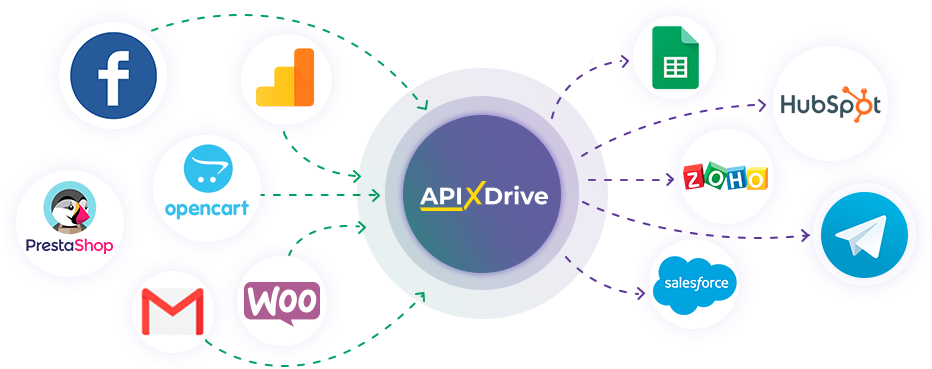
After registration, you will be able to "connect" more than 200 different online services. Without involving programmers and without programming skills! To get started, just register in 1 click!
Without restrictions
Get a 14-day
trial access
trial access
How to integrate MailerLite Classic and other systems
with ApiX Drive by API
Now you don't need to hire programmers or integrators to automate MailerLite Classic with other systems.
With ApiX-Drive you can connect and automate these systems in 5 minutes yourself.
With ApiX-Drive you can connect and automate these systems in 5 minutes yourself.
Select the online systems to be linked
Specify the actions between systems
Turn on auto-update
The setup will not take more than 5 minutes.
Automation capabilities MailerLite Classic
with other systems by API
Configure the rules once, according to which the systems will work.
Exchange data between MailerLite Classic and other systems according to the specified interval
Exchange data between MailerLite Classic and other systems according to the specified interval
Data receiver: MailerLite Classic, available actions:
- Add SUBSCRIBER
- Unsubscribe CONTACT
F.A.Q. on integration with MailerLite Classic
How is the integration of MailerLite Classic carried out?
How long does the integration take?
Depending on the system you want to integrate, the setup time may vary from 5 to 30 minutes. On average, it takes 10-15 minutes.
How much does it cost to integrate MailerLite Classic with other systems?
You don't need to pay for the integration, as all the functionality is available at all plans. You pay only for the amount of data transferred from one of your systems to another through our service. If you have a small amount of data per month, you can use a free plan and switch to a paid one, if necessary. More information about plans .
How many integrations are available for MailerLite Classic?
At the moment, we have 336 integrations MailerLite Classic with other systems
API information for MailerLite Classic
MailerLite Classic remains the choice of many companies who have decided not to migrate to the updated email service interface. Connecting this platform to other software allows for fully automated data transfer. You can easily migrate new contacts from advertising campaigns, web forms, CRM, or online stores to the desired recipient groups.
By efficiently updating your email lists, your welcome and trigger messages will be sent promptly and without significant delays. This automation eliminates the risk of employee typos, prevents lost incoming leads, and allows you to focus on planning and metrics analysis.
This interface version is easily accessible to professionals of all skill levels. The system features an intuitive management structure. It's a reliable marketing solution, built with simplicity and accessibility as its core principles. If needed, this version of the system can be integrated via API with other services and applications used by your business. Detailed technical documentation for developers is available on the company's official website and contains all the necessary instructions for setting up data exchange.
This system's API is designed so you don't need to learn new, complex libraries—you can start integrating right away, as most popular programming languages are available for configuration. The platform's technical capabilities also reflect its core principle: simplicity and accessibility. It's important to use secure HTTPS requests to ensure data exchange works correctly and without errors.
Your company's in-house IT specialists can handle the development process if they have the necessary skills. You'll need to allocate budget and time for the project. If these resources are limited, consider using a ready-made solution from the ApiX-Drive platform.
Are you the owner or developer of a service
that we don’t have?
that we don’t have?
Find out on what conditions we can implement the integration
with your service on this page
with your service on this page